
JPEG, PNG, WebP (max 5MB each, up to 4 images)
Glitch Effect - Transform Photos into Digital Glitch Art
Generate eye-catching glitch effects with QuickImg's AI-powered glitch art generator. Apply RGB split, VHS distortion, pixel sorting, and cyberpunk glitch styles to images online free. Professional digital glitch photo editor in seconds.
Samples


Glitch Effect Features
RGB Glitch Effect: Create striking color channel separation with chromatic aberration, RGB shift, and anaglyph-style distortion for authentic digital glitch art
VHS Distortion: Apply vintage scan lines, color bleed, tracking errors, and analog interference to recreate nostalgic VHS tape aesthetics
Pixel Sorting & Datamosh: Generate glitch art with pixel sorting algorithms, datamosh artifacts, and digital corruption for modern cyberpunk effects
Customizable Intensity: Choose from soft, medium, or hard glitch levels to control distortion strength from subtle effects to extreme digital destruction
Color Palette Options: Apply neon, pastel, or duotone color schemes to enhance your glitch effect with vibrant, retro-futuristic aesthetics
Batch Processing: Upload up to 4 images simultaneously to apply glitch effects online free, perfect for social media content creation
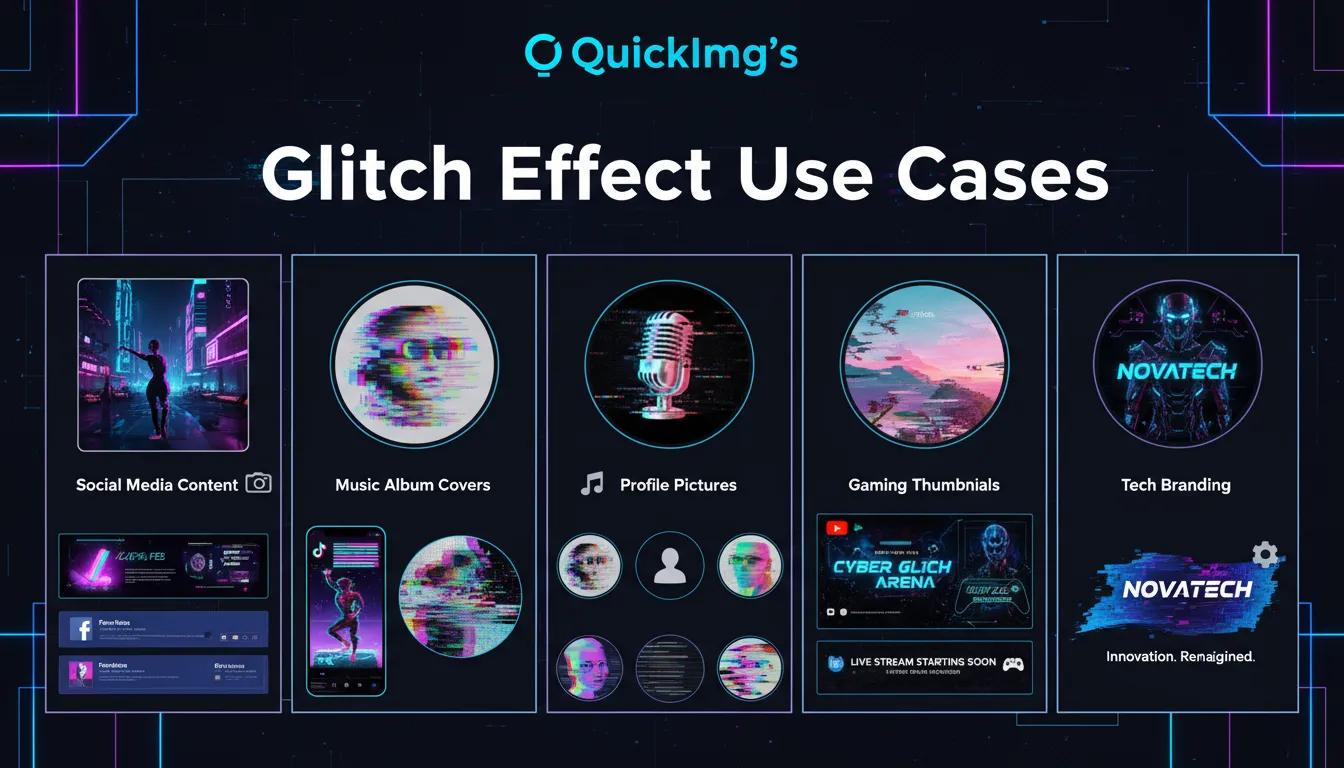
Glitch Effect Use Cases
Social Media Content: Create attention-grabbing glitch effect posts for Instagram, TikTok, and Facebook that stand out with cyberpunk and retro aesthetics
Music Album Covers: Design striking album art with VHS glitch effects, RGB distortion, and digital noise for electronic, hip-hop, and indie music
Profile Pictures: Transform portraits with unique glitch art styles featuring chromatic aberration and pixel sorting for distinctive online identity
Gaming Thumbnails: Generate eye-catching cyberpunk glitch effects perfect for YouTube gaming thumbnails and Twitch overlays
Tech Branding: Create futuristic visuals with digital glitch effects ideal for tech startups, innovation campaigns, and cyberpunk-themed designs
How to Create Glitch Effects with QuickImg
Upload Your Images
Upload 1-4 photos to transform with glitch effects (JPEG, PNG, or WebP, max 5MB each).
Choose Glitch Settings
Select glitch intensity (soft, medium, or hard), pick color palette (neon, pastel, or duotone), and add custom ideas like 'cyberpunk' or 'VHS aesthetic' for personalized results.
Generate Glitch Art
Click 'Generate' to apply AI-powered glitch effects including RGB split, pixel sorting, VHS distortion, and digital artifacts. Download your glitch art instantly.
Upload Your Images
Upload 1-4 photos to transform with glitch effects (JPEG, PNG, or WebP, max 5MB each).
Choose Glitch Settings
Select glitch intensity (soft, medium, or hard), pick color palette (neon, pastel, or duotone), and add custom ideas like 'cyberpunk' or 'VHS aesthetic' for personalized results.
Generate Glitch Art
Click 'Generate' to apply AI-powered glitch effects including RGB split, pixel sorting, VHS distortion, and digital artifacts. Download your glitch art instantly.
Glitch Effect FAQ
Common questions about glitch art generation
Need help with glitch effects? Contact QuickImg Support