
JPEG, PNG, WebP (max 5MB each, up to 4 images)
AI Family Photo Generator - Create Beautiful Family Pictures
Transform your family moments with QuickImg AI family photo generator. Create custom family portraits, change backgrounds, apply artistic styles, and generate perfect family pictures online in seconds.
Samples


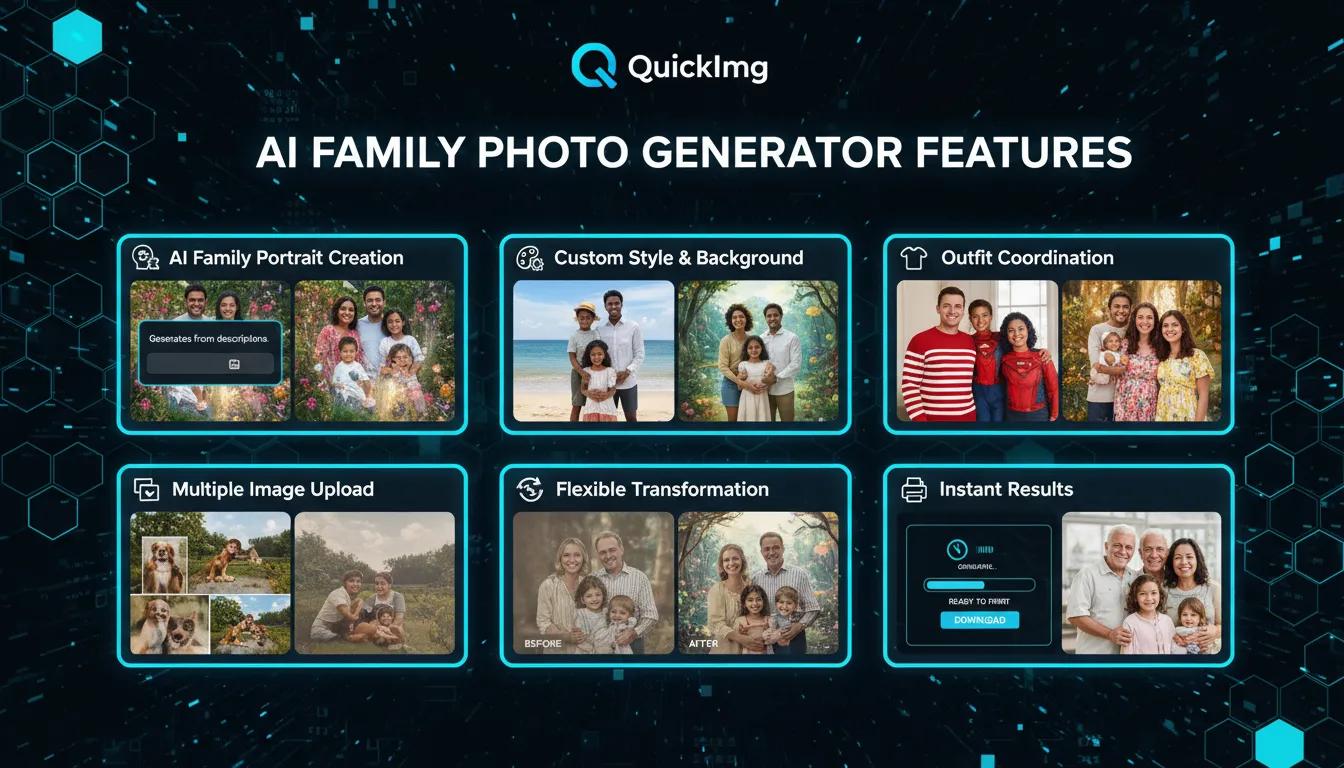
AI Family Photo Generator Features
AI Family Portrait Creation: QuickImg AI family photo generator creates stunning family pictures from descriptions or reference images with advanced AI technology
Custom Style & Background: Apply artistic styles, change backgrounds to beaches, gardens, or studios, and transform your family photo with professional settings
Outfit Coordination: Generate family photos with matching outfits, seasonal clothing, or themed costumes for holiday cards and special occasions
Multiple Image Upload: Upload up to 4 reference images to guide AI family picture generation and ensure accurate family member representation
Flexible Transformation: Describe desired changes in detail - from vintage sepia tones to modern artistic effects for your AI family portrait
Instant Results: Generate professional-quality family photos in seconds and download high-resolution images ready for printing or sharing

Family Photo Use Cases
Holiday Cards & Greetings: Create family photo Christmas cards, seasonal greetings, and celebration announcements with custom backgrounds and festive themes
Family Reunions: Generate group family portraits when geographic distance prevents everyone from gathering, perfect for ancestry projects and memorials
Social Media Sharing: Share AI-generated family pictures on Instagram, Facebook, and social platforms with professional-quality family portraits
Gift & Home Decor: Create personalized family photo gifts including custom mugs, canvas prints, throw pillows, and wall art for birthdays and anniversaries
Vintage Photo Restoration: Transform old family photos with AI enhancement, restore damaged pictures, and recreate family portraits in modern styles
How to Use AI Family Photo Generator on QuickImg
Upload Reference Images
Upload 1-4 family photos as references (JPEG, PNG, or WebP, max 5MB each). These help guide the AI family photo generator. You can also describe your family members without images.
Describe Your Desired Family Photo
Specify the transformation you want - choose backgrounds (beach, garden, studio), styles (vintage, modern, artistic), and outfits (matching, seasonal, themed). Add optional family description and creative ideas.
Generate and Download
Click 'Generate' to create your AI family portrait. The AI family photo generator produces results in seconds. Download high-quality family pictures ready for cards, prints, or social sharing.
Upload Reference Images
Upload 1-4 family photos as references (JPEG, PNG, or WebP, max 5MB each). These help guide the AI family photo generator. You can also describe your family members without images.
Describe Your Desired Family Photo
Specify the transformation you want - choose backgrounds (beach, garden, studio), styles (vintage, modern, artistic), and outfits (matching, seasonal, themed). Add optional family description and creative ideas.
Generate and Download
Click 'Generate' to create your AI family portrait. The AI family photo generator produces results in seconds. Download high-quality family pictures ready for cards, prints, or social sharing.
Family Photo Generator FAQ
Common questions about creating AI family photos
Need help with family photo generator? Contact QuickImg Support